

.svg)






Table of Contents
Quick Takeaways
- A skills inventory is useful only when the organization uses a consistent skills language across roles and employees.
- Capture skill, proficiency, evidence, validation status, source, and last-reviewed date rather than storing unverified skill names alone.
- Self-assessment can contribute data, but material talent decisions need stronger evidence or validation.
- Design a refresh process so skills data does not become a one-time survey that grows stale.
- Connect the inventory to role requirements, career paths, succession planning, talent pools, and development.
A workforce skills inventory is a structured record of the capabilities employees have, how proficient they are, and what evidence supports that view. The goal is not to collect as many skill labels as possible. The goal is to create trusted capability data that HR, managers, and employees can use for real decisions.
TraineryHCM Skills Management connects skill evidence and readiness context with Career Path, Succession Planning, and Talent Pools and Bench Strength.
Why Skills Inventories Fail
Many organizations begin with a survey asking employees to list their skills. The result can become difficult to use within months. People enter different names for the same skill, proficiency means something different across teams, evidence is missing, and no one owns the refresh process.
The inventory becomes reliable when four elements are clear: a common skills language, a proficiency model, evidence and validation rules, and data ownership. A skills matrix can then use that trusted inventory to compare capability by person, team, or role without creating a second vocabulary.
Start With a Common Skills Language
A skills inventory needs normalized definitions. “Data analysis,” “analytics,” and “analytical reporting” may describe related capabilities, but the organization should decide whether they are one skill, several skills, or part of a hierarchy.
The OECD's work on common skills language highlights how shared terminology and taxonomies can improve consistency across workforce and talent processes. The U.S. Office of Personnel Management also uses defined competencies and proficiency illustrations in its assessment reference materials.
What Data Should the Inventory Store?
| Field | Purpose | Example |
|---|---|---|
| Normalized skill | Creates one shared label and definition | Financial modeling |
| Skill category | Groups related capabilities | Finance and analytics |
| Proficiency | Shows mastery against a defined scale | Working, advanced, expert |
| Evidence | Explains why the proficiency is credible | Project outcome, assessment, credential, manager validation |
| Validation status | Separates self-reported from reviewed data | Self-assessed, manager validated, externally verified |
| Last reviewed | Makes staleness visible | Review date |
Step 1: Define the Business Use Cases
Decide what the inventory must support. Common uses include workforce planning, career paths, succession, internal mobility, development planning, project staffing, and capability-risk analysis.
The use case changes the required precision. A directory for internal networking can tolerate lighter evidence. A readiness decision for a critical role needs stronger validation and clearer proficiency standards.
Step 2: Build the Initial Skills Taxonomy
Start with role requirements, job descriptions, professional frameworks, learning outcomes, and known strategic capabilities. Create one preferred skill name and definition for each concept. Keep synonyms for search where useful, but do not allow synonyms to create duplicate skill records.
Do not make the taxonomy so detailed that managers cannot maintain it. A useful taxonomy balances precision with operational simplicity. Document ownership and change rules as part of Core HR governance so new labels, merges, synonyms, and retired skills do not become ad hoc decisions.
Step 3: Define Proficiency Levels
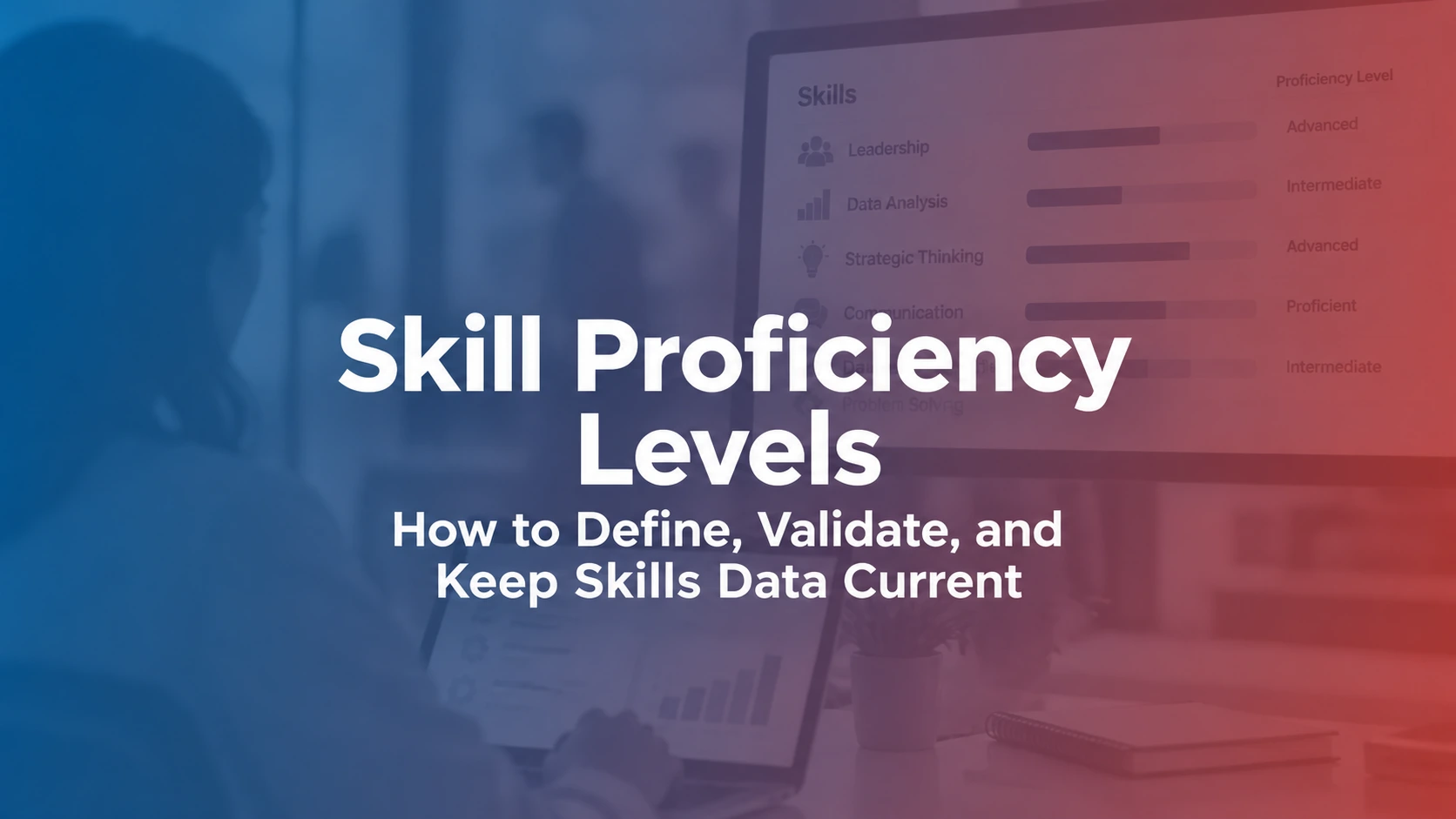
Each level should describe observable capability rather than vague adjectives. “Advanced” should mean something different from “intermediate” in terms of independence, complexity, decisions, or outcomes. Keep the model consistent with the organization's skills and proficiency framework so employees and managers interpret levels the same way.
- Foundational: understands core concepts and performs routine work with guidance.
- Working: applies the skill independently in common situations.
- Advanced: handles complex cases, adapts the skill, and supports others.
- Expert: defines standards, solves novel problems, or shapes the capability across the organization.
Step 4: Collect Skills From Multiple Sources
Employee self-assessment is useful because people may have capabilities their current role never uses. Add manager input, work evidence, assessments, credentials, project history, learning activity, and other sources where they improve confidence.
Do not automatically convert every course completion into a skill. A course can provide learning evidence, but applied proficiency often needs additional validation. When gaps are confirmed, connect them to an employee development process rather than treating the inventory as a static directory.
Step 5: Define Validation Rules
| Evidence source | What it can support | Limitation |
|---|---|---|
| Self-assessment | Discovery of skills and employee perspective | Confidence and standards vary by person |
| Manager validation | Observed application in work | Managers may have incomplete visibility or inconsistent standards |
| Work sample or project | Evidence of applied capability | One project may not represent the full skill range |
| Assessment | Structured evidence against defined criteria | Assessment quality and job relevance must be considered |
| Credential | Completion or external verification of defined requirements | A credential may not prove current workplace application |
Step 6: Connect Skills to Roles
Map important skills and target proficiency to roles. This is what turns a skills inventory into readiness information. Employees can compare current capability with a future role, and HR can identify where the organization has thin capability coverage.
Not every listed skill should become a gate. Focus on capabilities that materially distinguish successful performance or readiness for the role. For future-role decisions, combine skill evidence with career-path and readiness context; for succession exposure, use the critical-role assessment to decide where stronger capability evidence matters most.
Step 7: Create a Refresh Process
Store a last-reviewed date and define who can update or validate each type of data. Refresh skills during role changes, development milestones, talent reviews, career discussions, or a scheduled review cycle.
Use Core HR to keep employee and role context aligned so the skills inventory does not become a disconnected second employee record.
Turn skill data into workforce readiness context
TraineryHCM Skills Management connects employee skills, proficiency, evidence, role requirements, and talent workflows so capability data can support real workforce decisions.
Explore Skills ManagementHow to Measure Skills Inventory Quality
A skills inventory needs its own quality controls. Do not judge success by the number of skills collected. Track whether the data is usable, current, and sufficiently supported for the decisions it informs.
Coverage
Profile coverage = employees with a reviewed skills profile ÷ employees in scope. Segment this by function or role family. A high organization-wide rate can hide a business unit with little usable data.
Freshness
Stale-record rate = skills profiles past the agreed review window ÷ reviewed profiles. The review window should match the volatility of the capability. Fast-changing technical skills may need a different cadence from stable foundational competencies.
Validation
Validated-skill rate = skill records with the required evidence or reviewer status ÷ skill records used for material decisions. This is more useful than forcing every informal skill to carry the same verification burden.
Taxonomy quality
Monitor duplicate labels, unresolved synonyms, orphaned skills with no role or use case, and skills that no owner has reviewed. These signals reveal whether the taxonomy is becoming harder to govern.
| Quality signal | What to inspect | Action |
|---|---|---|
| Low profile coverage | Missing teams, roles, or participation | Prioritize roles tied to the active workforce use case |
| High stale-record rate | Old role context, proficiency, or evidence | Trigger targeted revalidation instead of a full reset |
| Low validation on critical skills | Decisions relying mostly on self-report | Add manager, assessment, credential, or work evidence as appropriate |
| Growing duplicate rate | Synonyms and overlapping definitions | Merge terms and preserve synonyms for search |
Worked Example: From Skill Record to Workforce Decision
Suppose a customer-operations team identifies “workflow automation” as a capability needed in several future roles. The inventory should not simply tag 28 employees with that phrase. Define the skill, map the proficiency expected by role, record the source of each employee's evidence, and show when the evidence was reviewed.
If 18 employees self-report the skill, 10 have manager-validated working proficiency, and 4 demonstrate the advanced level required for a planned role, those are three different signals. The first supports discovery, the second supports staffing discussions, and the third may support a readiness conversation. This distinction prevents a large skills count from being mistaken for deep capability.
For future movement, connect the evidence to career-path design. For pipeline decisions, combine it with succession metrics rather than treating a skill match as automatic successor readiness.
How to Tell Whether the Inventory Is Trustworthy
- Duplicate or synonymous skills are controlled.
- Proficiency levels have observable definitions.
- Self-reported and validated information are distinguishable.
- Material readiness decisions can trace back to evidence.
- Stale records are visible.
- Role requirements are current.
- The inventory connects to career, succession, talent-pool, or workforce-planning use cases.
Common Skills Inventory Mistakes
- Collecting data before defining the use case: thousands of skill tags are gathered but no decision uses them.
- Allowing free-text duplicates: the same capability appears under many names.
- Confusing learning activity with proficiency: completion is treated as demonstrated mastery.
- Ignoring validation: self-reported data is presented as verified capability.
- Skipping maintenance: the inventory becomes stale after launch.
- Using skills as the only promotion rule: readiness also depends on scope, experience, context, and judgment.
Final Takeaway
A reliable skills inventory combines a shared language, defined proficiency, evidence, validation, ownership, and refresh rules. Its value comes from the decisions it improves, not from the number of skill records it contains.
Turn Skills Data Into Workforce Decisions
Connect skills, proficiency evidence, role requirements, career paths, talent reviews, and succession context in TraineryHCM.
Book a Demo

.svg)

.svg)
.svg)

